[This transcript was autogenerated]
In this video, I’ll show you how you as an employer can easily endorse the service that you’ve worked with in the past.
So other employers who use the talent solutions connector can better understand what it’s like to work with that service. For this example, I’ll be using Keras employer Institute.
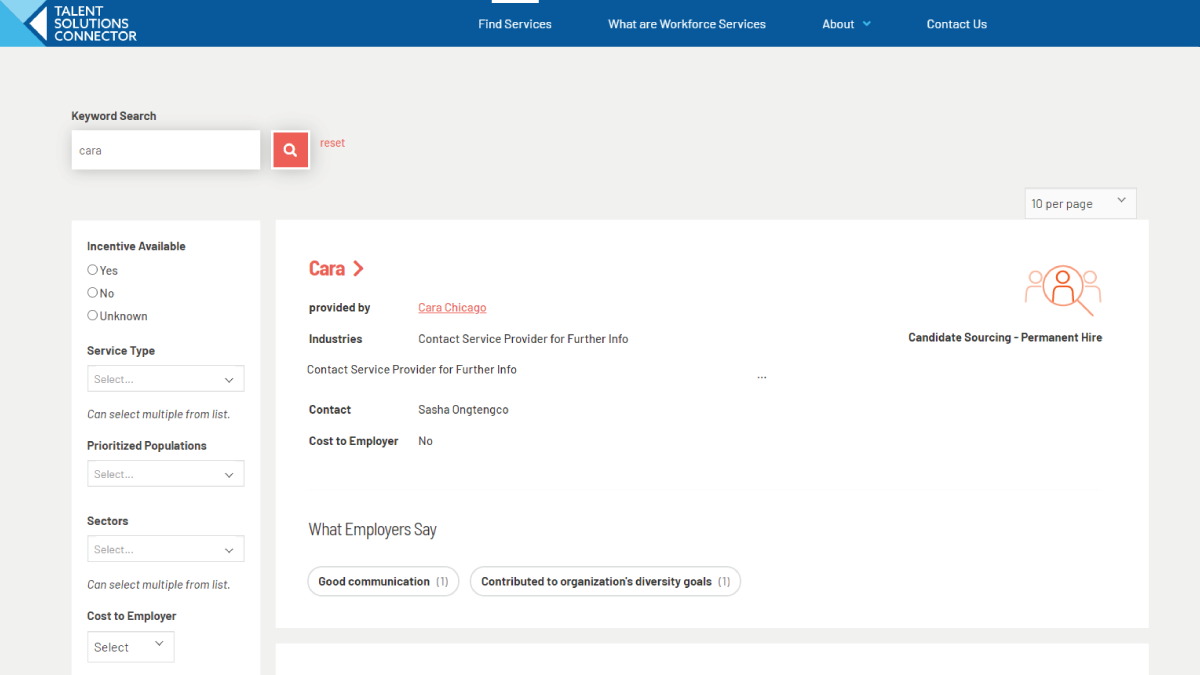
First I’ll need to find the service that I worked with, which is especially easy. If I know the name of the service or just the name of the provider for this example, I’ll use the provider name and I’ll just search for care.
In my search results. I’ll scroll down to the employer Institute card and I can already see some of the things that other employers are saying about working with Cara for more detailed view of the endorsements and to leave on myself.
I need to click on the name of the service and scroll down to the endorsement section at the bottom of the details page.
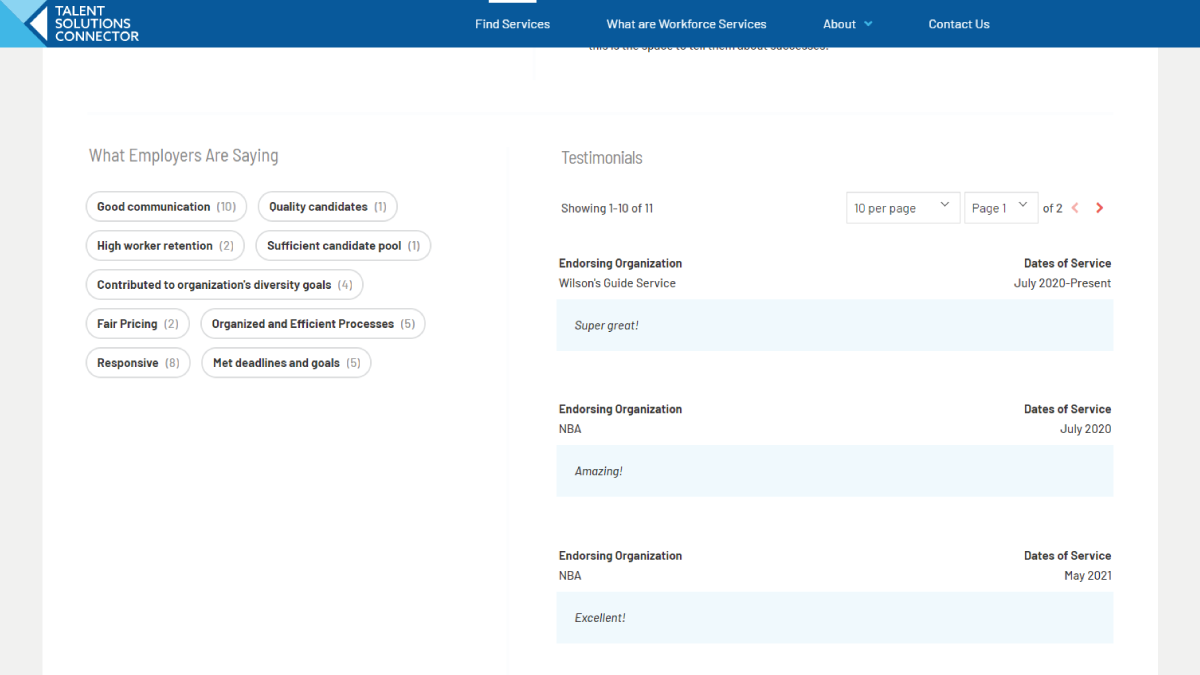
Once I arrive here, I can see again, what other employers are saying as well as any testimonials that folks might have left to talk more about what it was like to work with the service.
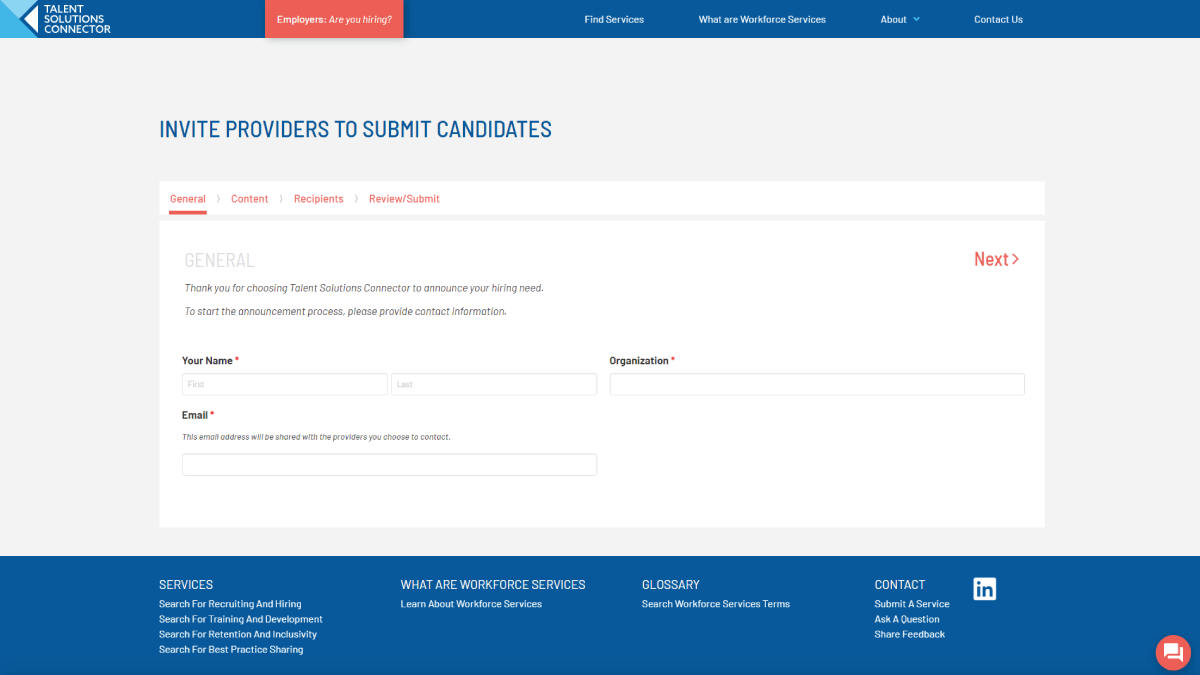
I can also endorse the service really easily by clicking on this button. All I have to do from here is follow the prompts on the screen, fill out the information and submit my endorsement.
Once that’s finished, my endorsement will be sent to an administrator for approval and once approved will be published on the details page. Feel free to go through and endorse as many services as you Like.