[This transcript was autogenerated]
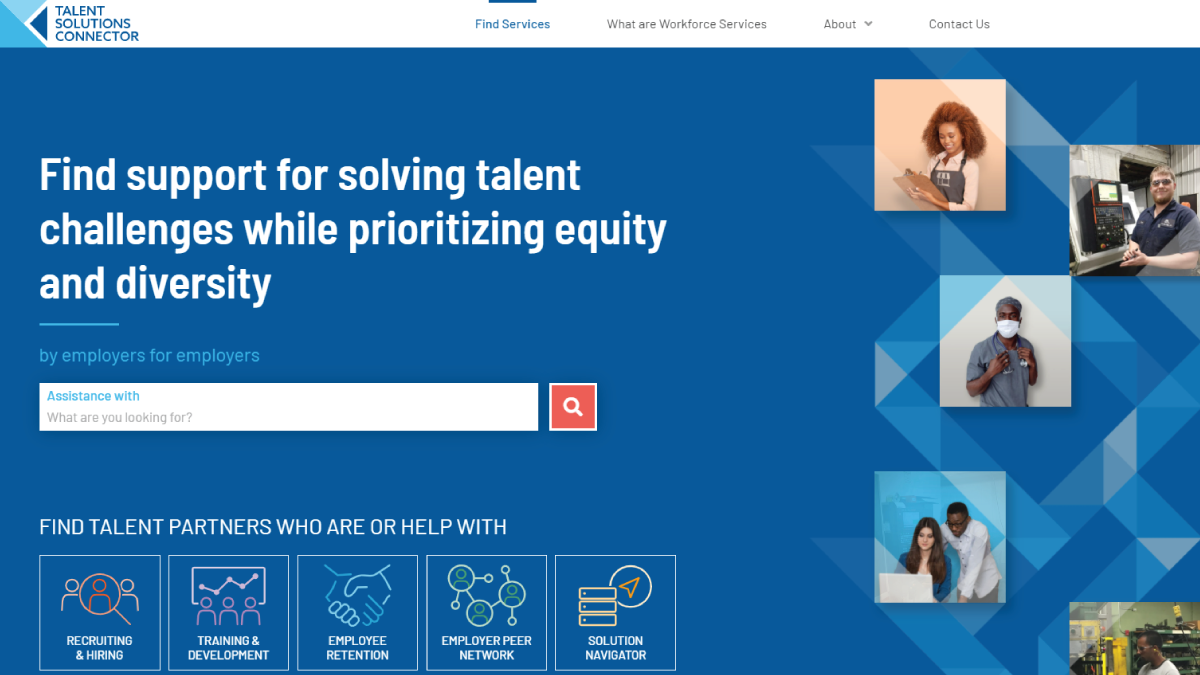
In this video, I will show you how to use the keyword search on our homepage and how to further filter your search results and the homepage in the search bar.
You can type in any keyword to find services related to your needs. I am going to search for interns and complete my search by either hitting enter or clicking on the magnifying glass button.
<inaudible> We can see from my initial results that I have returned 11 search results, but let’s say that I want to filter those search results down.
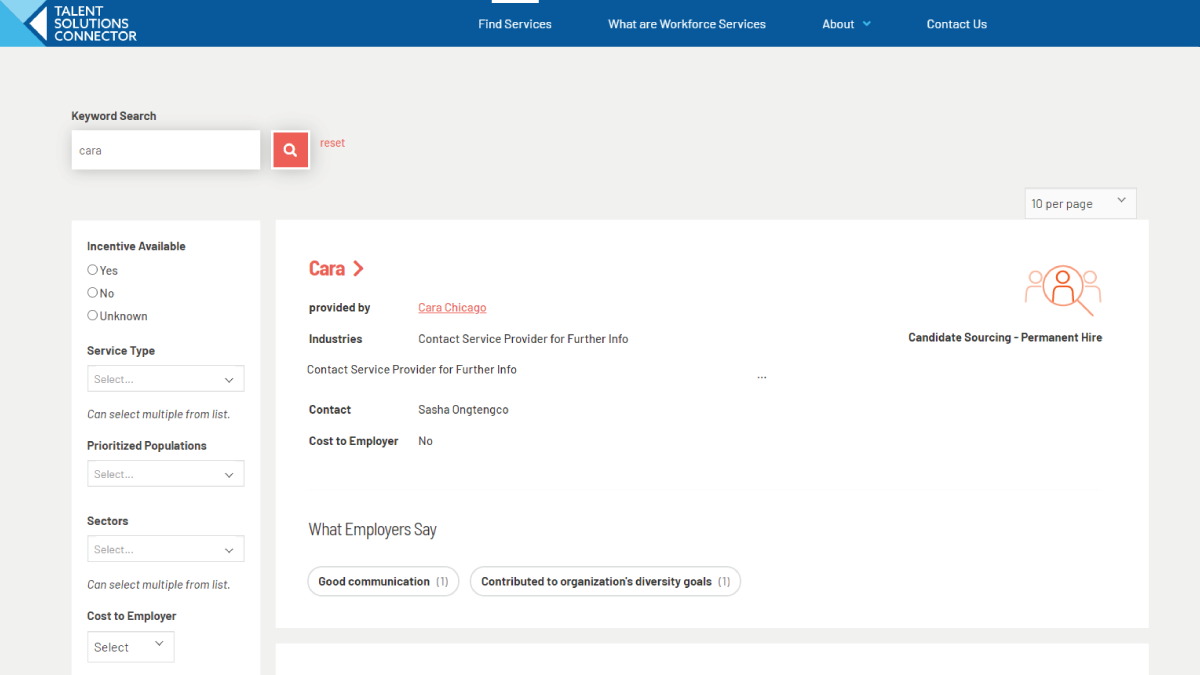
Um, so that I receive fewer. I can do that by filtering on the left-hand side of the screen. As you can see, we have several different filters you can choose from I including whether or not an incentive is available for the service.
So for that, I’m going to say, yes, I want to know if there are incentives available, then I can select by different service type.
You can see, we have several different service types here to learn more about each kind. You can go to the water workforce services tab, but because I’m looking for interns, uh, and I want to keep them short term in my organization.
I’m going to select short term placement, high school and college. Then I can also determine if I want to search by prioritized populations.
So we have a list here and you can see, um, there are several different populations I can choose from. I’m going to go ahead and select college students.
And then if I’d like to select an additional prioritize population, such as English, language learners, low income individuals, veterans, um, returning citizens, I can do that, but for this, I’m just going to leave it as college students and then sectors.
I can choose my sector industry from this list here. I’m going to leave this blank because I want to return, um, as many sectors as possible.
Then I can also choose whether or not there’s a cost to employer, which I’m going to leave blank for now, then to return those filters.
All I have to do is click the red search button to filter my results, and we can see, I have one final search result, internship programs in advanced manufacturing, TDL it and healthcare. And if I want to learn more about them, all I have to do is click on the name and I’m taken to a details page where I can learn more about that program.