[This transcript was autogenerated]
Hello, and welcome to the talent solutions connector. In this video, I’m going to give you a quick overview of the homepage and briefly explain how you can use the tool to find solutions to your talent needs.
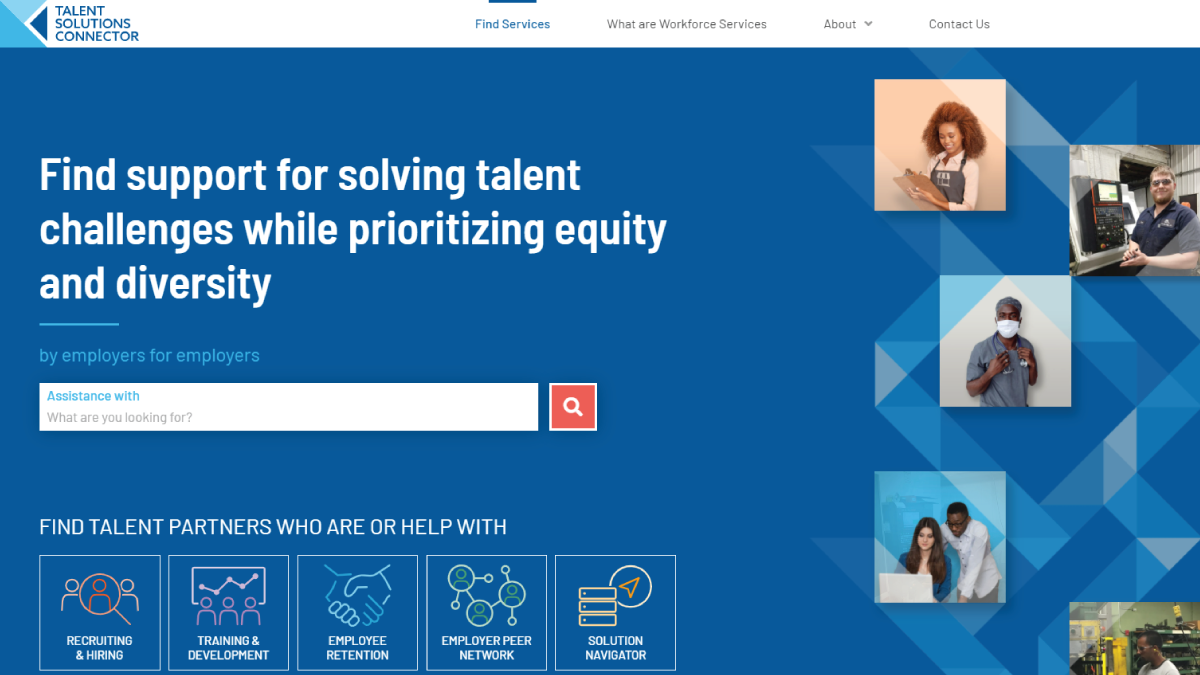
This is the main homepage for the talent solutions connector that you’ll be guided to when you visit talent solutions, connector.net, or anytime you click on the main logo or icon in the top left corner.
At the top of the homepage, you’ll find a search bar. You can utilize this keyword search to find services that match the keywords entered search, just enter your keyword, and then either click on the red magnifying glass or hit enter.
Once you’re finished typing, you’ll then be taken to a list of results below the search bar. You’ll see five clickable icons.
They give you further information on the categories of services. In our directory. Each service is linked to a category based on the talent needs, that match that service.
If you click on an icon, you’ll be taken to a definition of each category, as well as a list of service types that fit in that category.
I’ll quickly click to show you what I mean here. You can see more information on recruiting and hiring as well as the different category types that fit inside Recruiting and hiring.
Now back to the homepage Below the category icons, you’ll find a mission statement that explains the purpose of the tool and why the network of organizations came together to create it below that we have two cards titled knowledge And connections.
If you want to learn More about what workforce services are, you can click learn more about my options, or you can follow the water workforce services link.
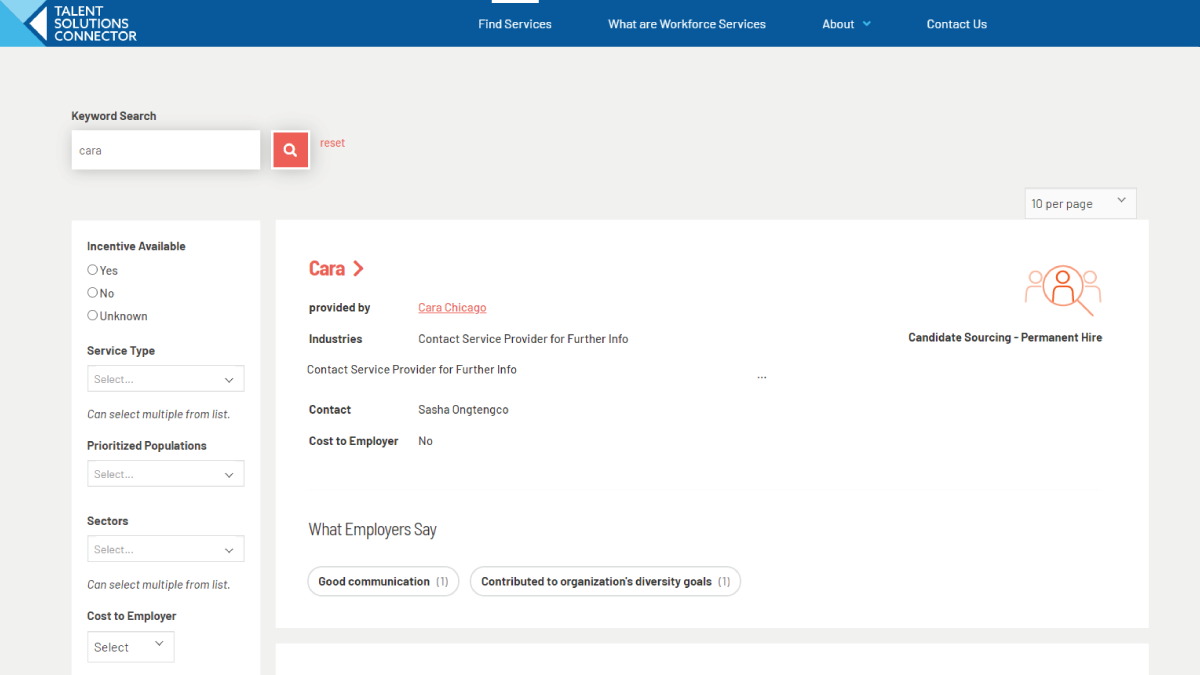
At the top of the page, the connections card will take you directly to the directory of all services, where you can further refine any search.
Next On the homepage, you will see a rotating list of featured programs that highlight three new programs and services each week to learn more about each program, just click on the program name, and you’ll be taken to details page.
And we’ll head back to the homepage. One more time. Finally, at the bottom of the screen, you’ll see information about the Chicago land network for employer led workforce solutions also known as news, including a list of its members and more information on what news is and who the members are.
Thanks for coming to talent solutions, connector.net, and I hope you find the solutions to meet your talent needs.